20 profile picture ideas (for Instagram, LinkedIn, dating and more)
What makes a profile picture work at thumbnail size, and 20 ideas for every platform, all shootable on iPhone.


A profile picture is seen tiny and inside a circle, so it has different rules from other photos. Your face should fill about 60% of the frame, the background should be simple, and the light should come from the front or the side. Shoot it at 2x near a window and leave a little space around the head so the circle crop does not cut you off.
What makes a profile picture work
- Face fills most of the frame, from the shoulders up.
- Centred, because platforms crop to a circle.
- Simple background: a plain wall, sky, greenery or a blurred room.
- Soft light: a window in front or to the side.
- 2x or 3x zoom: flattering, with a blurred background. The Close Up guide frames half-body portraits at 3x.
- Eyes sharp. Tap on them.
Classic
1. Window light head and shoulders. The universal profile picture.
2. Outdoor greenery. Trees blurred behind, open shade.
3. Against a plain coloured wall. One bold colour that matches your brand or mood.
4. Over the shoulder. Turn away and look back.
5. Laughing mid-moment. Ask a friend to make you laugh.
Creative
6. Golden hour glow. Backlight in the hair.
7. Hand in the frame. A hand near the chin or in the hair.
8. Through something. Shooting through leaves, a fence or a glass.
9. Black and white. Classic, timeless, and it hides a bad background.
10. Shadow play. Light through blinds or plants on the face.
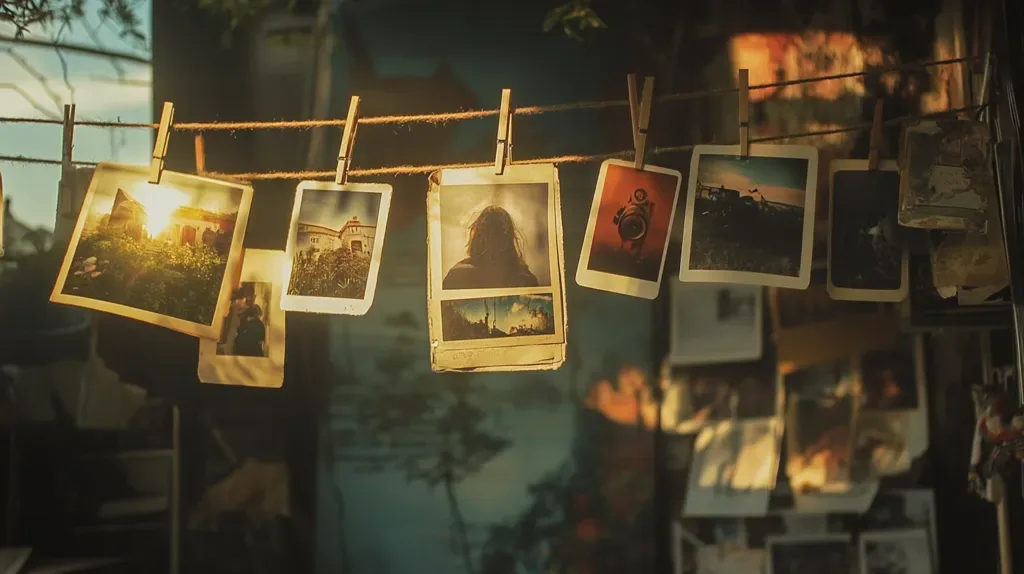
11. Film look. Warm, grainy and faded.
By platform
12. LinkedIn: shoulders up, neutral background, a real smile. See how to take a LinkedIn headshot on iPhone.
13. Instagram: your personality: a hobby, a place, a vibe.
14. Dating apps: a clear, smiling face first, then full-body and hobby photos. See dating profile photo ideas.
15. Discord or gaming: headphones on, coloured light from a monitor.
16. X: high contrast so it reads at the smallest size.
Faceless
17. Silhouette. Backlit by a window or sunset.
18. From behind. Looking out over a view.
19. Your hands with your craft. Paint brush, camera, guitar.
20. Your pet. We all know it works.
Before you upload
- Crop to a square with your face centred.
- Check it at thumbnail size. If you cannot recognise yourself tiny, zoom in more.
- Use the same photo across platforms if you want people to recognise you.
Frame your face
slay overlays portrait guides on your live iPhone camera and locks when your face lands in the zone.
Get slay on the App Store: https://apps.apple.com/app/id6807513456?utm_source=slaycamera&utm_medium=article&utm_campaign=profile-picture-ideas
Questions about this article
Quick answers from the article. Ask anything else below — the assistant answers from the app's docs.
Frame it perfectly, every time.
Free to download. Slay Pro from $1.99/week unlocks every guide, LUT and lesson.
Download the App