15 Christmas tree photo ideas (and how to make the lights glow)
Bokeh portraits, the tree through the window, ornament close-ups and kids decorating. How to photograph the tree so it looks like it does in real life.

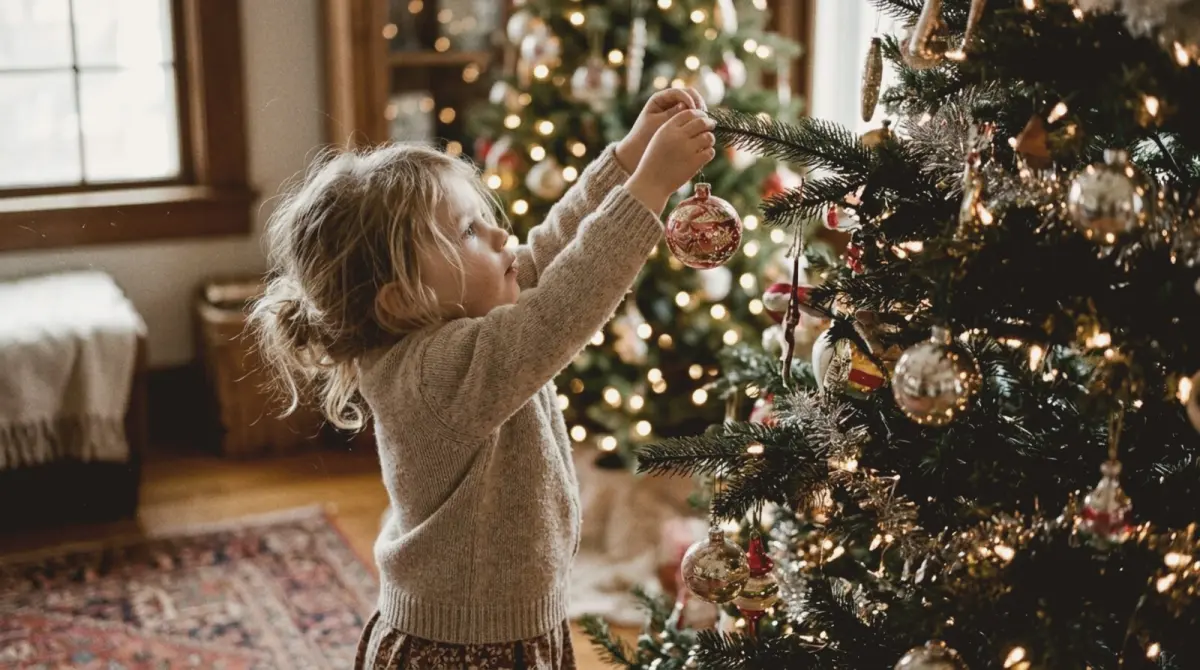
Most Christmas tree photos fail the same way: the lights turn into white blobs and the room looks dull and yellow. The fix takes ten seconds. Turn off the ceiling light, tap on the tree, and drag the exposure slider down until the lights look like small points of colour. Then use one of the ideas below.
The tree itself
1. Full tree at blue hour. Shoot just after sunset, when the window behind the tree is still deep blue. The blue and warm lights together look magical.
2. Through the window from outside. Stand in the garden or street and shoot the tree through the glass, with the window frame as a natural frame.
3. Looking up from below. Lie under the tree with the 0.5x lens and shoot up through the branches to the star.
4. One branch, one ornament. At 3x, focus on a single ornament with the rest of the tree blurred into light.
5. The reflection. A big silver bauble reflects the whole room. Get close.
6. The star at the top. Shoot upwards with the ceiling dark and only the star sharp.
People with the tree
7. Bokeh portrait. The person three or four steps in front of the tree, zoomed to 3x. The lights melt into circles. The Close Up guide frames it.
8. Kids decorating. Shoot from their height as they reach for a branch.
9. Lifting a child to place the star. The classic. Burst mode.
10. A couple untangling lights. Funny, real and relatable.
11. Sitting by the tree with presents. Small figure, big tree. Put the person on the lower third.
12. The silhouette. Lights on, room dark, a person standing in front of the tree. Expose for the lights.
Details and stories
13. Ornaments with history. Close-ups of handmade or inherited ornaments.
14. Unboxing the decorations. Boxes, tissue paper and tangled lights, top-down.
15. The tree at midnight. Everyone asleep, only the tree lights on.
Settings for glowing lights
- Overhead lights off. Let the tree light the room.
- Lower the exposure. Tap the tree, drag the sun icon down.
- Hold still. Low light means longer exposures; brace your arms or use a tripod.
- Zoom for bokeh. 2x or 3x with distance between the person and the tree.
- Try both vertical and horizontal. Trees are tall; vertical often fits better.
A warm film look makes tree lights feel nostalgic. slay lets you swipe through film stocks live before you shoot. For more ideas, see 30 Christmas photoshoot ideas.
Frame the tree
slay overlays composition guides on your live iPhone camera and locks when the shot lines up.
Get slay on the App Store: https://apps.apple.com/app/id6807513456?utm_source=slaycamera&utm_medium=article&utm_campaign=christmas-tree-photo-ideas
Questions about this article
Quick answers from the article. Ask anything else below — the assistant answers from the app's docs.
Frame it perfectly, every time.
Free to download. Slay Pro from $1.99/week unlocks every guide, LUT and lesson.
Download the App