iPhone camera apps with built-in LUTs and filters (2026)
LUTs vs filters, in camera vs in editing — and which iPhone camera apps ship looks built in.
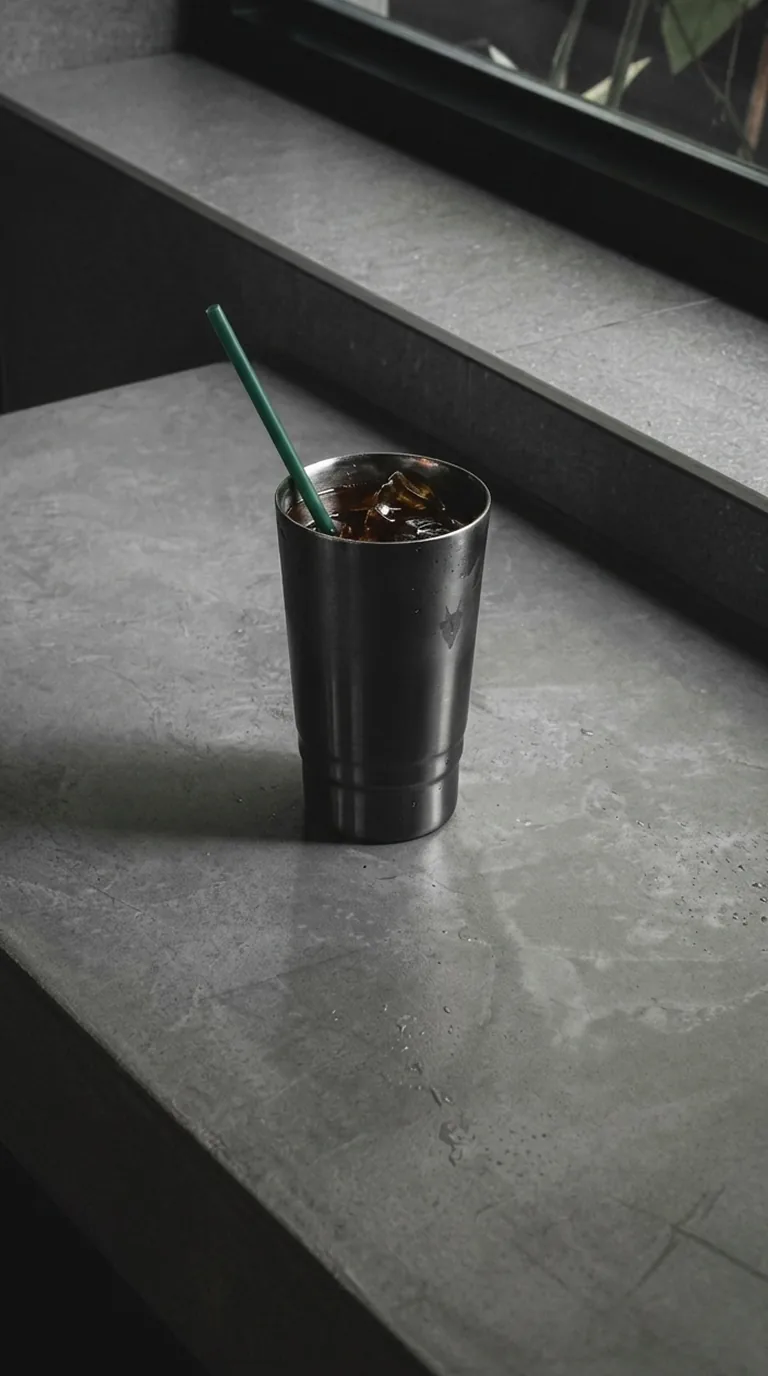
If you want an iPhone camera app with built-in LUTs, slay — the composition guide camera — ships with 38 LUTs and presets and pairs them with 14 live composition guides, so the photo is both framed and finished in camera. For pro video with custom LUT support, Blackmagic Camera is the usual choice. For an analog film look, mood.camera applies film emulations as you shoot.
LUTs vs filters: what is the difference?
A LUT (look-up table) maps every color in the image to a new one. It is the same tool colorists use to grade films. A "filter" in most apps is a LUT plus some extra adjustments. In practice both do the same job for photos: they give every shot a consistent color grade, so your feed looks like one body of work.
The real question is when the look gets applied:
- In camera, as you shoot. No editing step. Best for posting quickly.
- After, in an editor. More control, more time.
iPhone camera apps with built-in looks
### slay — 38 LUTs plus composition guides
slay includes 38 LUTs and presets, from soft film tones to bold editorial looks, tuned for portraits and everyday life. What makes it different is that the look comes with framing: 14 guides tell you where to stand, how high to hold the phone, which zoom to use and where the subject goes. See all 14 guides. Free to download; Slay Pro unlocks every LUT.
### mood.camera — film emulation
14 colour emulations with grain and halation, applied as you shoot, plus custom presets. Great for an analog feel; composition help is limited to a grid and level. See slay vs mood.camera.
### Blackmagic Camera — pro video with LUT support
A free, pro-grade camera app built mainly for video, with professional controls and support for monitoring with LUTs. Powerful, but aimed at filmmakers rather than casual photo posting.
### VSCO and Lightroom — looks after the shot
VSCO and Adobe Lightroom both offer a camera, but their strength is presets applied in editing. If you prefer to grade afterwards, they are strong options. See slay vs Lightroom.
Which should you pick?
If you want photos that are framed and graded the moment you take them, slay does both. If you shoot video professionally, use Blackmagic Camera. If you love film, use mood.camera.
FAQ
How many LUTs does slay have? 38 LUTs and presets, all included with Slay Pro.
Do LUTs reduce photo quality? No. A LUT only changes color mapping; it does not reduce resolution.
Framed and finished in one tap
Get slay on the App Store: https://apps.apple.com/app/id6807513456?utm_source=slaycamera&utm_medium=article&utm_campaign=camera-app-luts
Frame it perfectly, every time.
Free to download. Slay Pro from $1.99/week unlocks every guide, LUT and article.
Download the App